
Codes
School Tycoon codes for Shark Fin place 5187612424: verify list, Customize redeem steps, expired history, and wrong-game warnings.
View all CodesCodes, upgrade tiers, and campus guides for Roblox School Tycoon.
Unofficial Roblox School Tycoon wiki covering working codes, upgrade tiers, homework income tips, and field-trip guides.
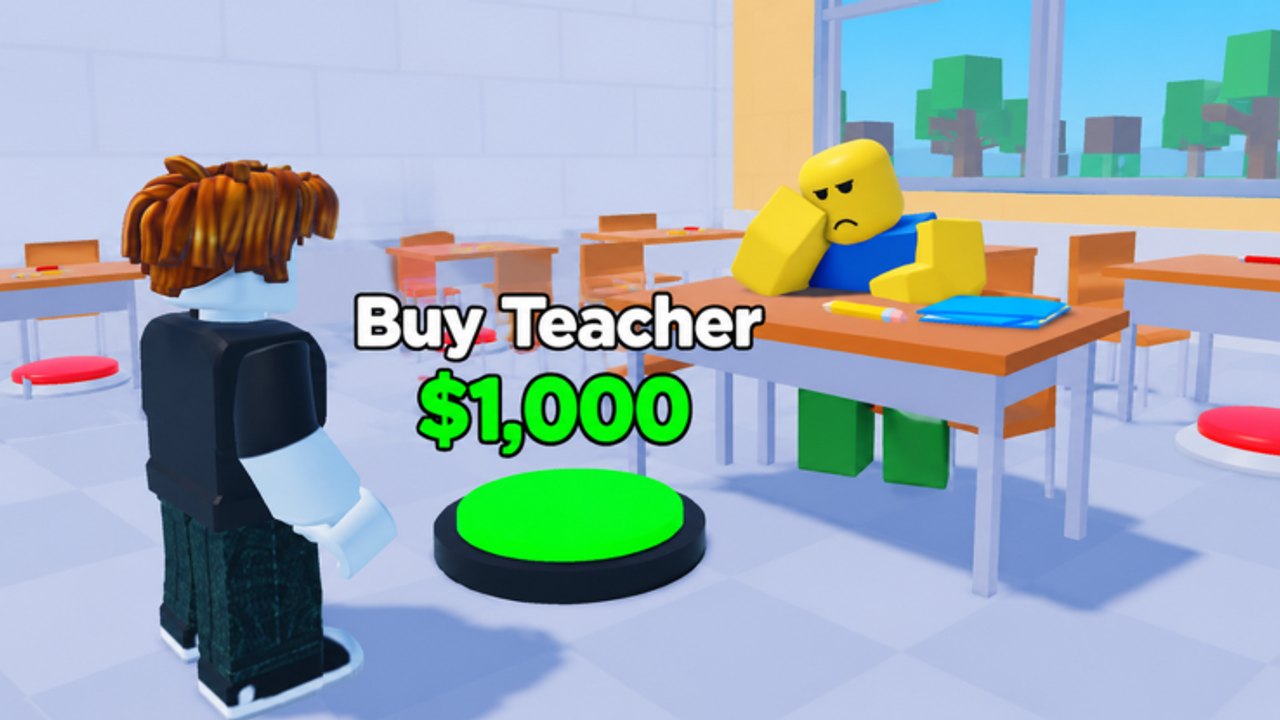
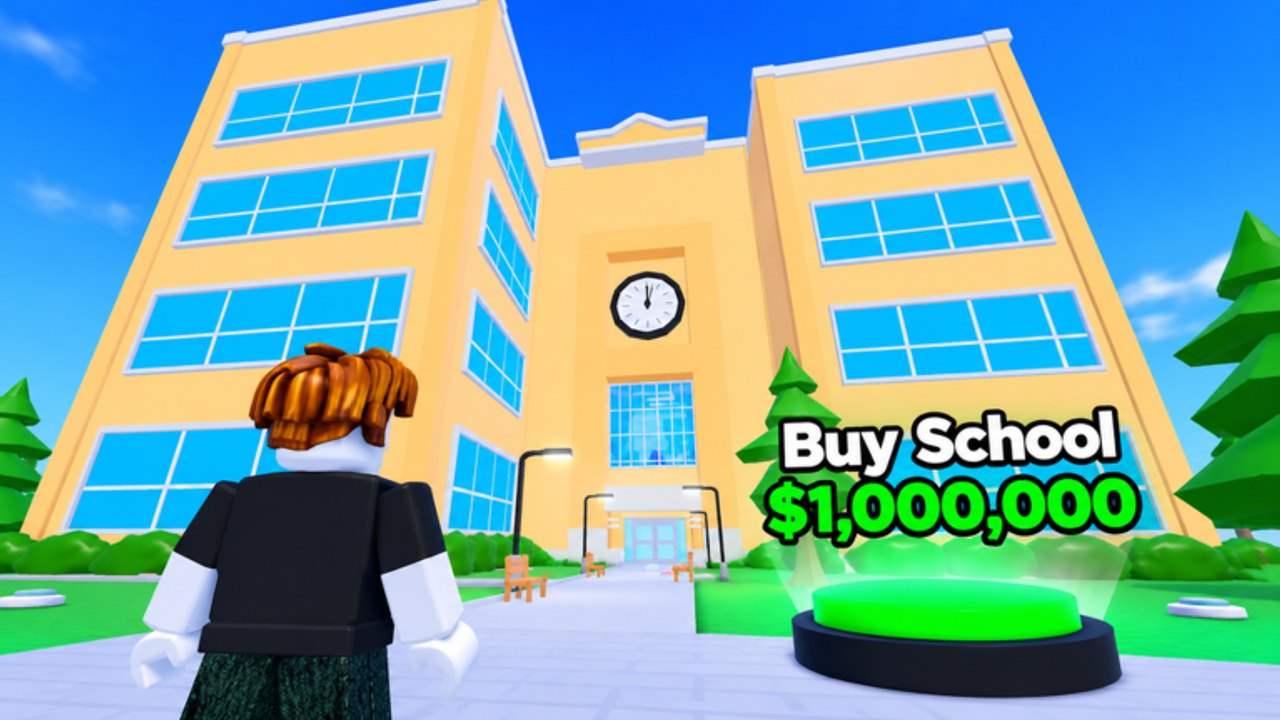
School Tycoon by Shark Fin Studios puts you in the principal's chair: collect homework for coins, expand desks and staff, then customize colors, uniforms, and schedules. Start with the beginner guide, grab codes, and follow the upgrade tier list so every purchase raises income.
School Tycoon codes for Shark Fin place 5187612424: verify list, Customize redeem steps, expired history, and wrong-game warnings.
View all CodesSchool Tycoon guides: getting started, stampers, floors, customize, make money, field trips, and complete-school walkthroughs.
View all GuidesSchool Tycoon upgrade priority hub: rank stampers, desks, and staff, then decide when floor expansion beats pure cosmetic spending.
View all Tier ListPlay School Tycoon on 4-player servers with etiquette tips, school comparison advice, plus clear links to gamepass value guidance.
View all PlayersSchool Tycoon updates on Roblox: Nov 2026 maintenance signals, post-patch checklist, codes retest tips, and Shark Fin place facts.
View all UpdatesSchool Tycoon script safety guide: what auto-collect tools claim to do, executor risks, and how to judge scripts without fake loadstrings.
View all ScriptsSchool Tycoon progress checklist tool for floors, stampers, desks, staff hires, Customize options, and field trip unlock tracking.
View all ToolsUnofficial School Tycoon wiki overview: codes, guides, tier lists, players, tools, and links to the Shark Fin Studios Roblox game.
View all LinksJoin [School Tycoon on Roblox](https://www.roblox.com/games/5187612424/School-Tycoon), claim an open tycoon, and buy the first homework printer so coins start flowing. Follow the Getting Started checklist.
Open Customize on the left, tap Codes, and enter each active gift from the codes list before they expire.
Prioritize stampers, desks, and students using the upgrade tier list so homework value climbs every minute.
Add teachers and janitors in the order shown on the staff tier list, then keep collecting so expansion never stalls.
Unlock a bus, tweak the school schedule in Customize, and run trips with the field trips guide once your campus can afford them.
Quick answers to the most common School Tycoon questions.
Read the Getting Started guide, redeem codes, then follow the make money tips before spending on cosmetics.
Press Customize on the left side of the screen, open Codes, type the code exactly, and press Redeem. Full steps live on the codes hub.
Income upgrades beat decorations early. Use the upgrade tier list and staff rankings so desks, stampers, and students come before vanity purchases.
This wiki supports: English, Français, Deutsch, Español, Português (BR).
Yes. Servers hold up to four players. See the players hub for co-op etiquette and how to compare campuses on the same server.
No. This is an unofficial fan resource for Roblox School Tycoon by Shark Fin Studios. Always confirm major changes on the official game page and group.
Claim codes, prioritize stampers and desks, then unlock field trips. Start with the beginner guide or jump into working codes and the upgrade tier list.
Start with the beginner guide